
Good-looking Python GUIs
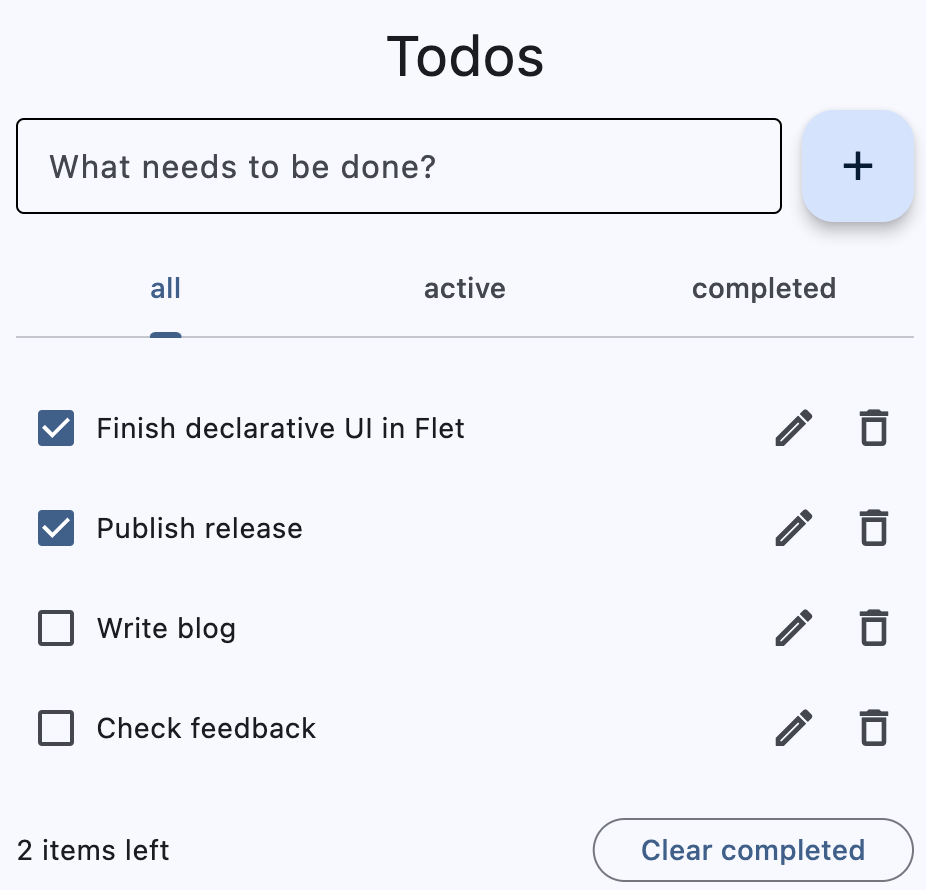
150+ controls and services. Layouts, navigation, forms, and dialogs, with customizable colors, typography, and themes.
Explore the controlsBuild beautiful web, desktop, and mobile apps from one Python codebase.
No frontend experience required. Just Python.
One codebase.
Make yourself at home.
Start with a simple counter to see how Flet turns Python code into an interactive app.
Use ready-made controls for the text and button. Arrange them with Python.
Connect the button to a Python function that increases the count.
Open Flet Studio.
No installation needed.
Follow the installation guide for uv or pip.
Imperative: update the controls directly when the button is clicked.
Compare the two stylesimport flet as ft
def main(page: ft.Page):
counter = ft.Text("0", size=50, data=0)
def increment(e):
counter.data += 1
counter.value = str(counter.data)
page.floating_action_button = ft.FloatingActionButton(
icon=ft.Icons.ADD, on_click=increment
)
page.add(
ft.Container(
content=counter,
alignment=ft.Alignment.CENTER,
expand=True,
)
)
ft.run(main)
The controls, libraries, and tools to take your app from an experiment to something you ship.
150+ controls and services. Layouts, navigation, forms, and dialogs, with customizable colors, typography, and themes.
Explore the controls
Bring NumPy, pandas, Pillow, and cryptography along. Prebuilt packages for iOS and Android save you the work of compiling native dependencies.
Browse Python packages
Package your app for desktop, mobile, and web with flet build. Prepare it for distribution, including the App Store and Google Play.
Build and publish
Run Python in the browser with Pyodide and WebAssembly, or keep your code on a server and send real-time UI updates.
Explore web deployment
Write pytest tests that tap buttons, enter text, and check user flows in your packaged app. Catch visual changes with screenshots on iOS and Android.
Test your app
Connect your coding assistant to Flet MCP for version-specific API information and tools to find examples, icons, and CLI options.
Connect Flet MCP
Compose custom controls in Python or wrap Flutter packages in extensions to add new UI components and platform integrations.
Build an extension
Support screen readers with labels and custom semantics. Add keyboard shortcuts and inspect the accessibility information your UI exposes.
Explore accessibilityOpen your browser. Pick an example, write some Python, or ask the AI agent for a hand. Run your app and share what you make.
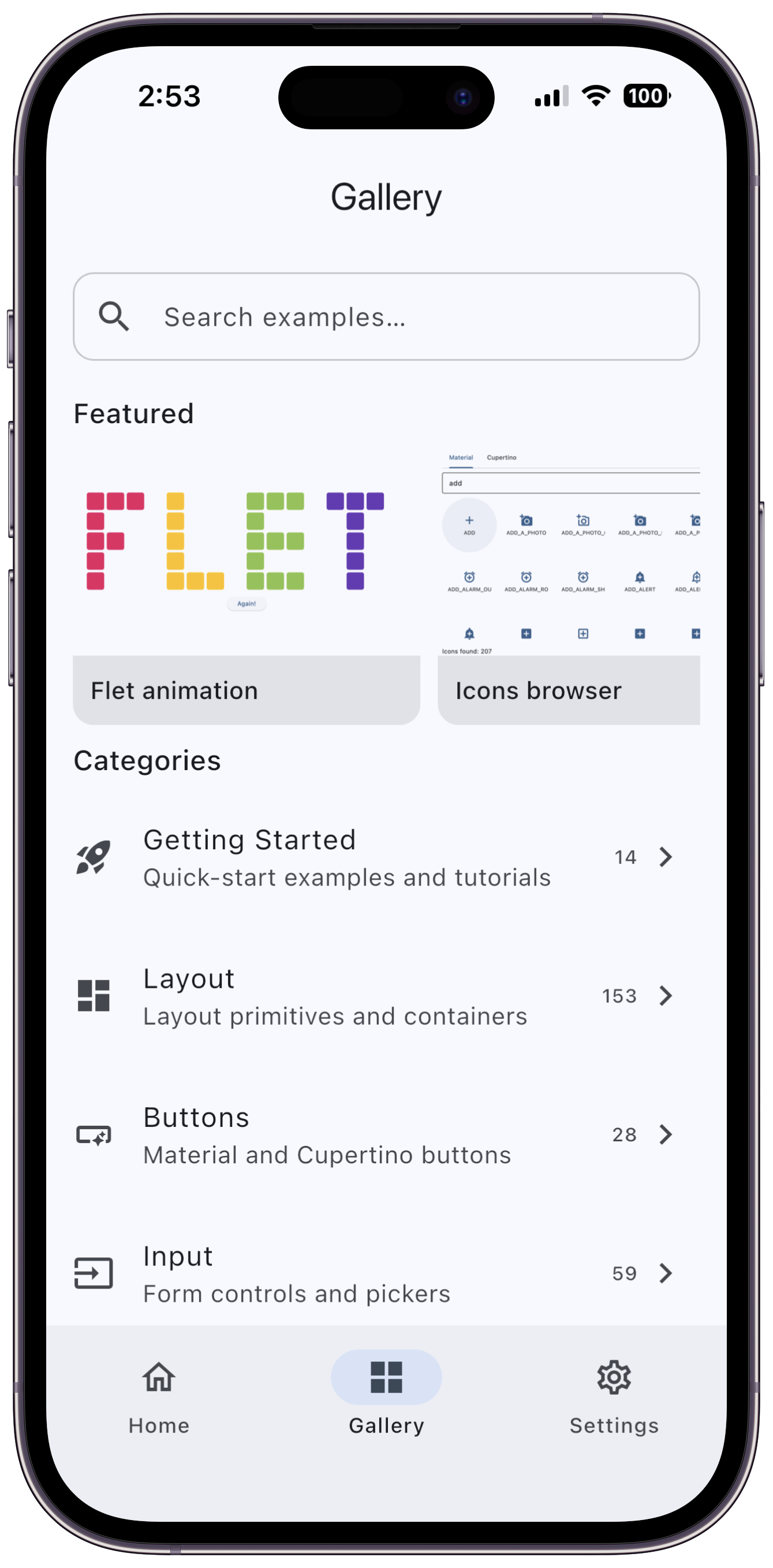
Create in Studio No installation required.Explore the Gallery and make an example your own.
Edit the code, get help from AI, and see your app run.
Send a link, or download your project and keep building locally.
Share an idea, ask a question, or help shape what comes next. Flet is open source, and you're invited.